
Specifications and other digital resources for Pearson's qualifications can be downloaded from our Subjects website page.
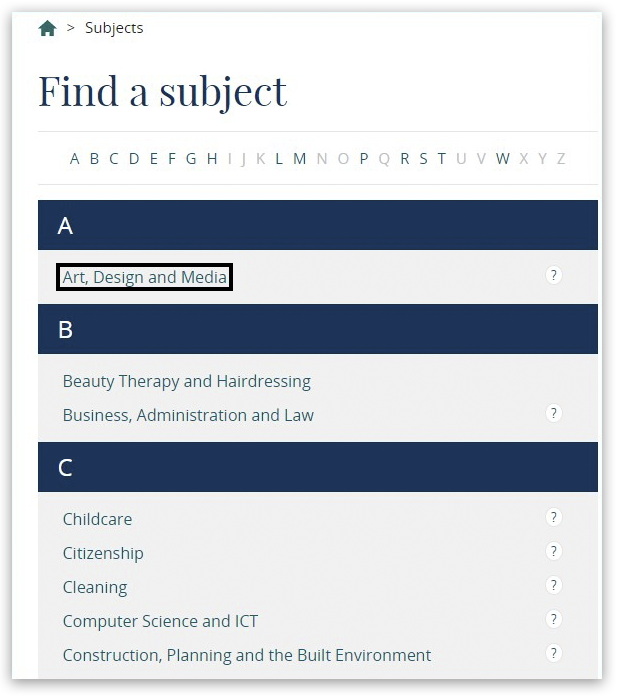
1. Once on the site, select the subject you wish to view:
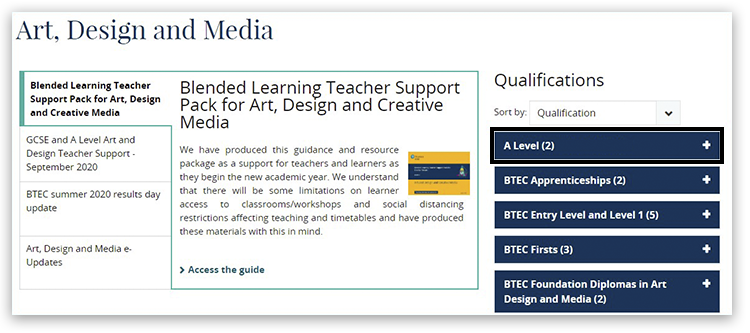
2. From the right-hand side of the next screen, select the subject's qualification type or level. Then click on the + symbol to see different subjects and levels, and choose from the available options to be taken to that specific specification page:
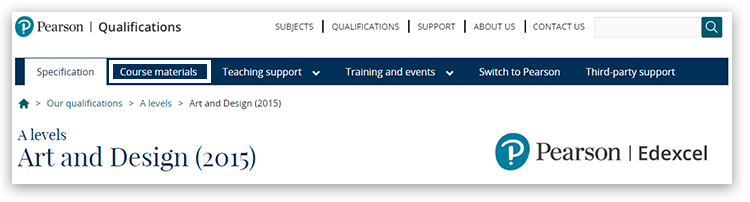
3. At the top of this page, click the section titled 'Course Materials':
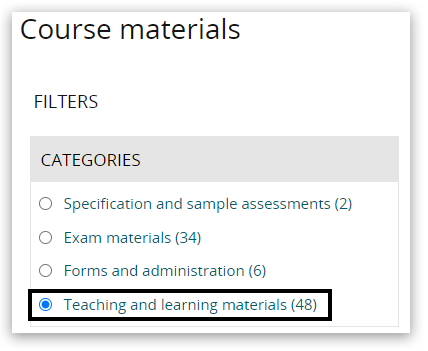
4. From the filter options on the left side of the page, select 'Teaching and learning materials':
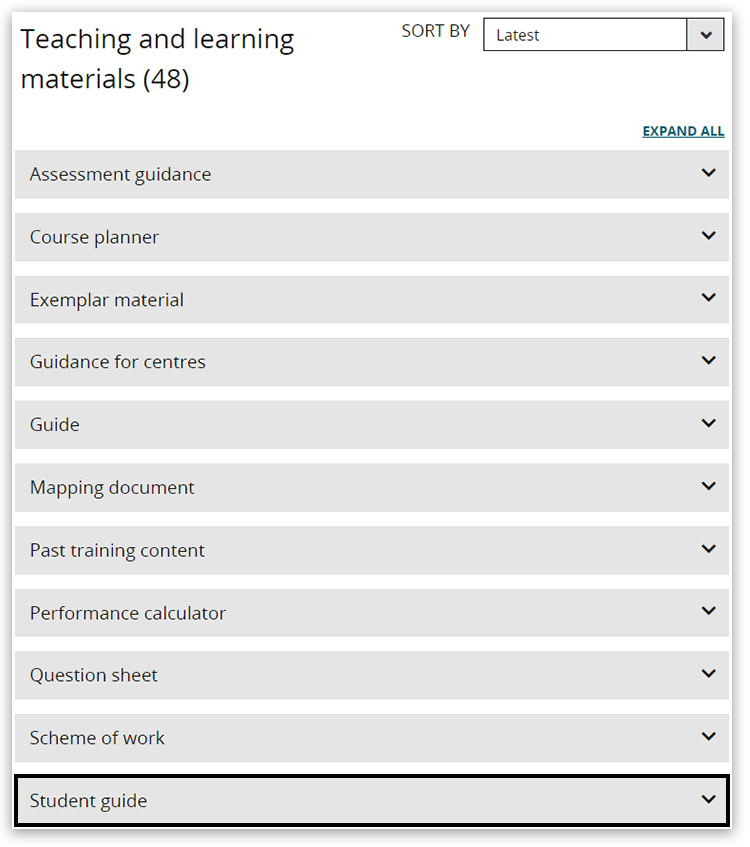
5. The available resources listed will refresh automatically to match the new filter criteria. You will now be able to select all relevant course materials, including the 'Student guide':
Please note: Materials marked with a padlock icon have restricted access and may only be available to authorised users, such as teachers or exam centre staff. Please contact your teacher or exams officer if you need support accessing these materials.: 
You can also purchase resources directly from Pearson's Published Resources website page; resources are available for primary, secondary or further education students, with titles from the best-selling Revise series, York Notes and many more.
Back to Support for Students, Parents and Carers article index.