Test Player Error Messages
Please click below to expand each section and view support:
The exam is outside of the time window
|
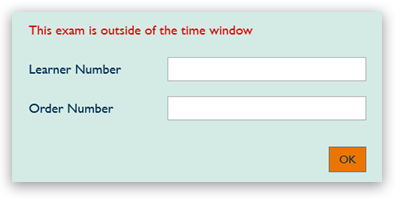
Cause of error
The start time of the exam is outside of the permitted window.
Steps to resolve
- Check that the start time is within 4 hours on either side of the scheduled time of the booking.
- The learner and order number are for the learner sitting the exam.
|
|
Invalid order or Learner Number
|
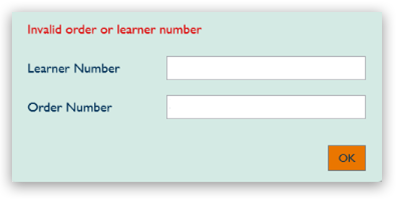
Cause of error
Learner and/or Order number are incorrect.
Steps to resolve
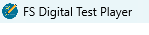
- Ensure that the Digital Functional Skills test is being run using the Digital Functional Skills Test Player rather than the Test Player used for other qualifications like Maths, English and Sport. You can check the name of the program in the top-left:

|
|
Nothing happens after entering the Learner and Order number
|
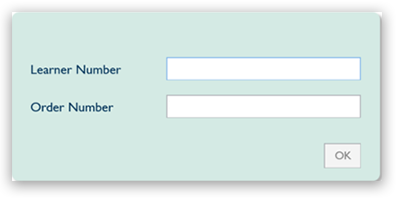
Cause of error
No internet connection.
Steps to resolve
- Check the internet connection and close, then re-open the test player.
|
|
Communication with service has failed
|
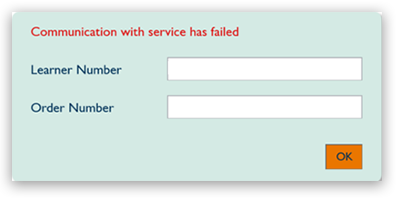
Cause of error
No internet connection.
Steps to resolve
- Check the internet connection and close, then re-open the test player.
|
|
Related Articles:
Digital Functional Skills: Digital FS Portal, Pearson Assessor Dashboard (PAD) & Data Files - Test Walkthrough
Digital Functional Skills: Software Installation Guide
Return to the Pearson Onscreen Platform (POP): Support Index or Functional Skills: Support Index.


